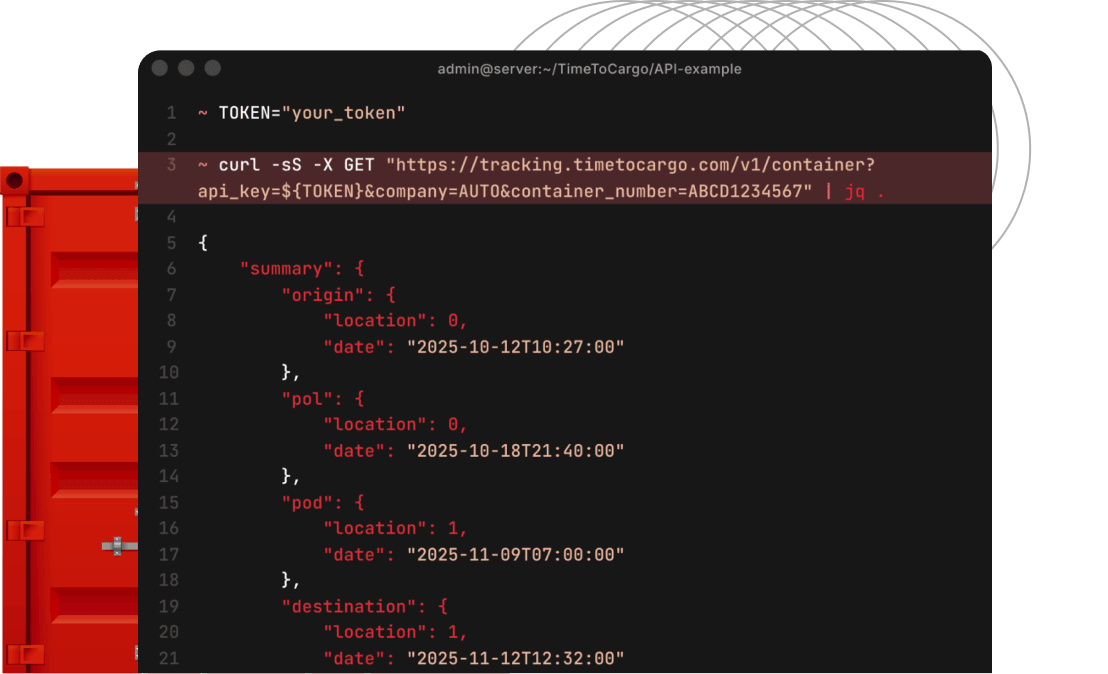
Screenshot of the API response
Home
Integration

Integrate tracking into your business via API

We provide direct access for integration with your internal accounting and monitoring systems

About the service


The service provides your business with a single software interface for receiving and processing regularly updated container data

What does integration offer?


Automatic container status updates

We provide data in a single view and update container statuses twice a day
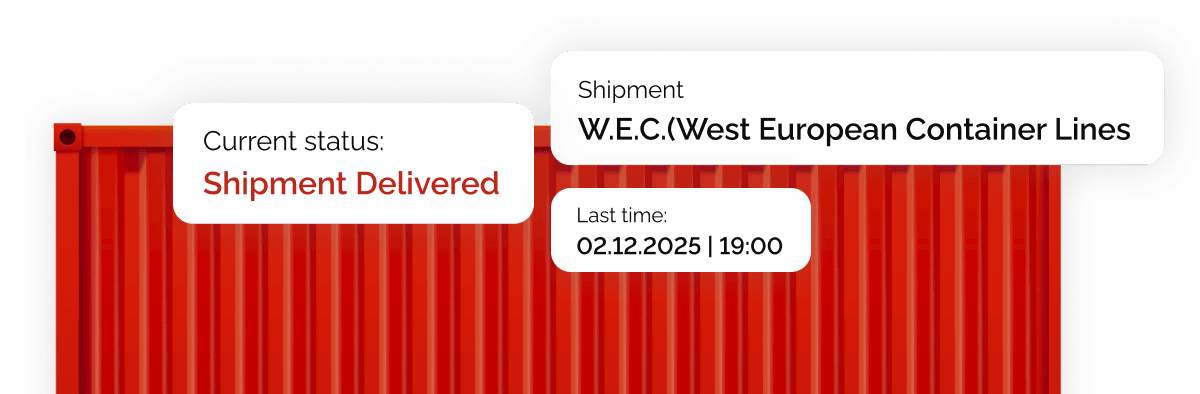
Red container with status overlays for shipment and carrier W.E.C.
Early delay detection

We provide access to regularly updated data, allowing you to adjust plans in time and notify customers

Clock with a “Container status update” notification and a “New!” badge
Reduced data entry errors

We use data directly from carriers' information systems
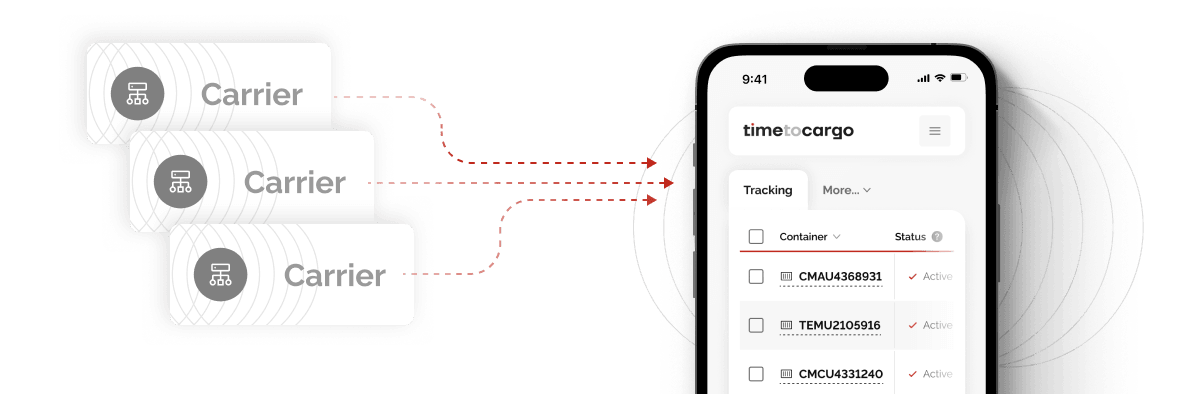
Transferring carrier data directly into the Cargotime interface
Automatic carrier detection

We collect updates on all shipments twice a day and notify you about important events
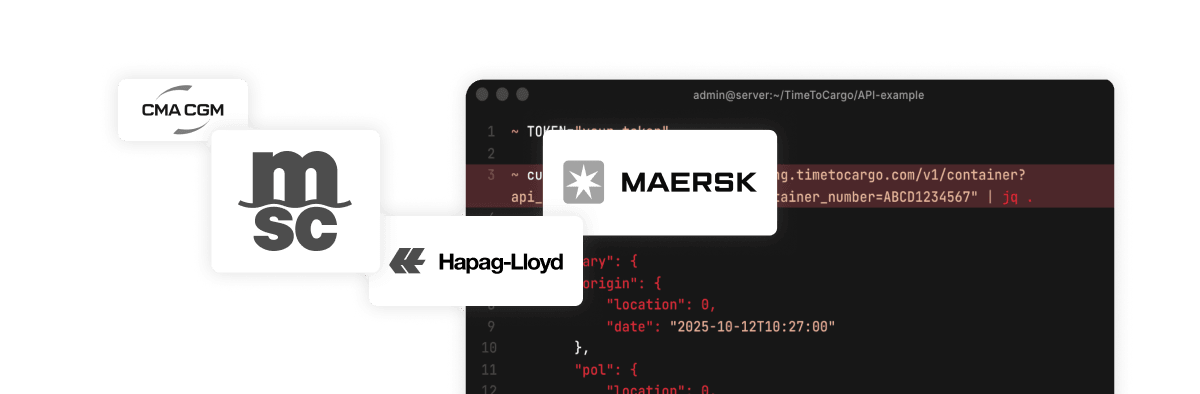
Shipping carrier logos and a terminal window for data automation
Unified data format across all carriers

We store and analyze information in a single format regardless of the carrier
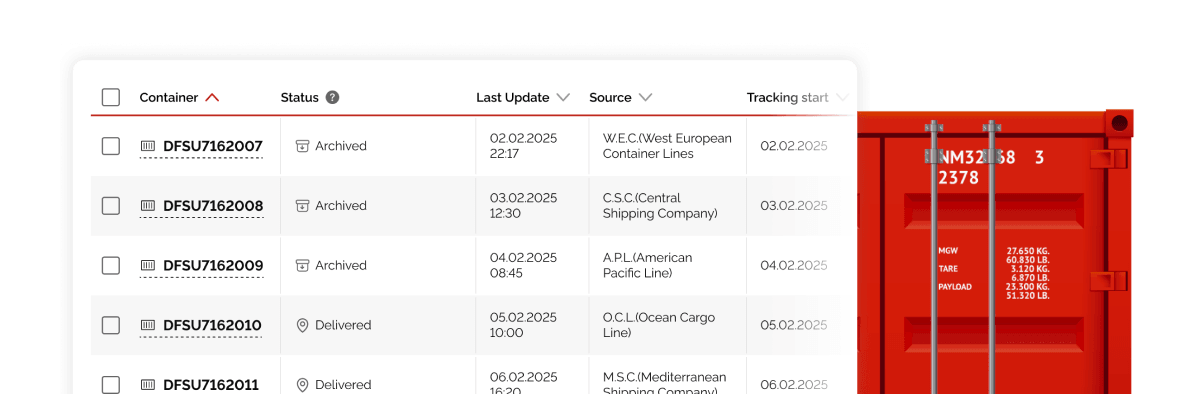
Table with shipment data in a unified format next to a cargo container
Ready to start the integration?Start using the API today

How to get started?


01.

Get your API key

Sign in to your account and generate a key. You will need it to make any requests on your behalf

02.

Make your first request

Use our public API documentation and quickstart examples to track a shipment

03.

Choose a subscription

After the 7-day free trial, purchase a Monthly or Annual Subscription to continue using the API

7-day free trial

Explore all platform features before choosing a plan

50% off

After trial

API

Included in period

50 shipments

Included in period

Learn more about terms

F.A.Q.

Yes. The TimeToCargo API can be connected to internal accounting, transportation management, monitoring, and other logistics systems. It supports creating and managing tracked Shipments and receiving standardized carrier data programmatically.

The API provides structured shipment information that may include the carrier, current status, event history and dates, vessel, ETA, ports, route, latest available position, and other transportation details. The returned fields depend on the information available from the carrier.

API access is included in every trial and paid plan and does not require separate activation. Generate an API key in the “API for Developers” section of your Personal Account and use it to authenticate requests.

The API supports container numbers, booking numbers, and bill of lading numbers. You can specify a carrier for any identifier. Automatic carrier detection using company=AUTO is available only for container numbers.

Single tracking creation is limited to eight requests per minute. For larger volumes, the batch endpoint accepts up to 500 Shipments in one request. API calls and data refreshes are not billed separately; billing is based on successfully activated Shipments.

Webhooks are included in every plan. You can configure a callback URL, select event types, and send a test event through the API. Supported events include ETA and shipment-history updates, tracking information found or not found, delivery, and automatic archiving.

Webhook deliveries include an HMAC SHA-256 signature that can be verified using your webhook secret available in the Personal Account. The delivery timeout is 10 seconds. TimeToCargo retries temporary HTTP, network, and server errors, with up to five delivery attempts.

Yes. The public API documentation includes a quickstart, endpoint reference, request and response schemas, webhook documentation, and examples for Node.js, Python, and Google Apps Script. API v2 is the current version, while v1 remains available for existing integrations. See the API documentation for details.
Contact TimeToCargo team

Get started

Create an account to begin tracking containers, or contact us to discuss custom options for your business