Popular shipping lines



How it works
Enter a shipment number to track
Use a container, bill of lading, or booking number — or upload a table of numbers. Without a carrier, TimeToCargo searches all supported shipping lines
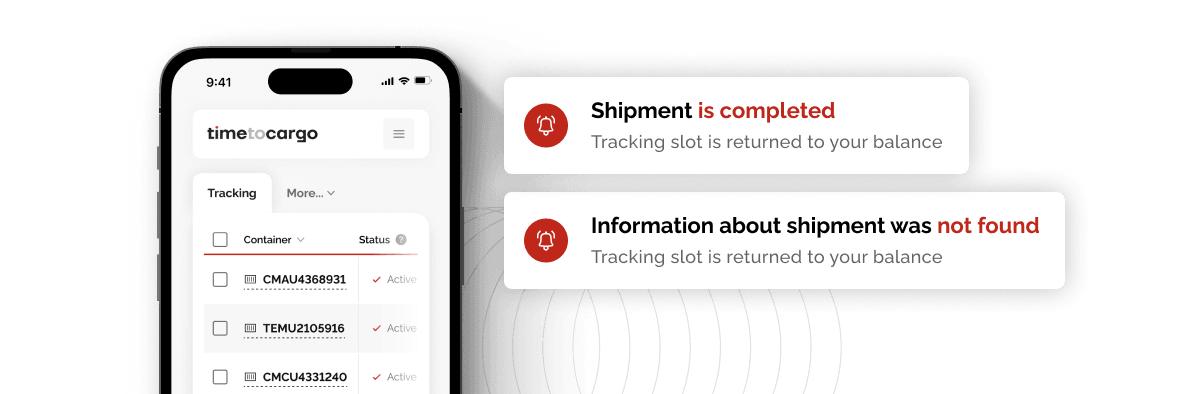
Track changes in the 'My Tracking' section
We automatically update container tracking information twice a day, and we’ll notify you of any important changes via notifications and email
Customize the tracking table view
Select only the columns you need in the table, update data for entire groups of containers, and export the results in Excel format
Track all your shipments through your personal account
Track containers in a single interface — without switching between websites
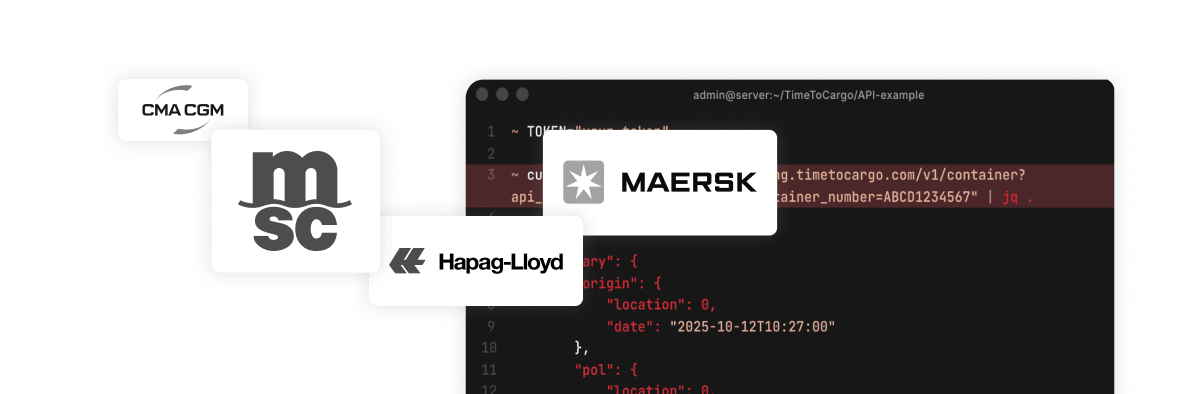
Key generation and documentation with quickstart guides in your personal account
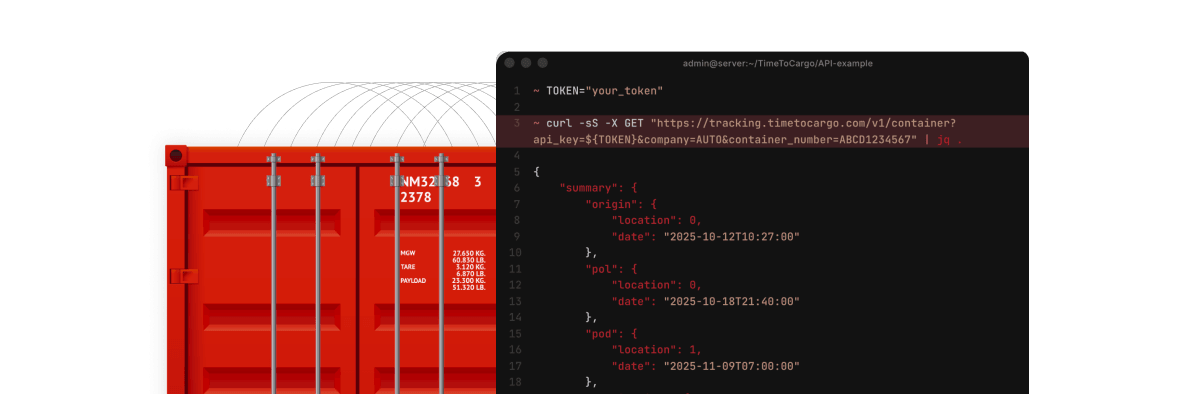
Plan processes regardless of carrier deadlines

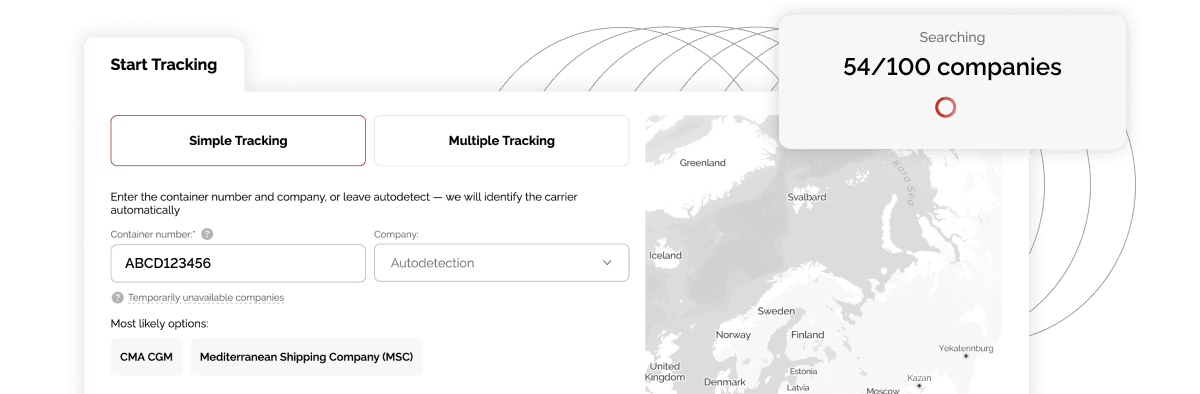
We search for your shipments across all available companies
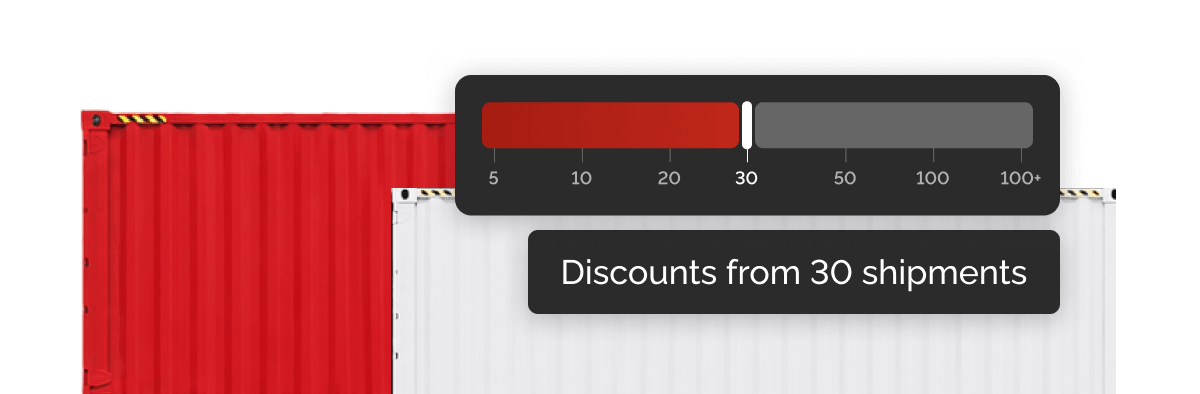
Additional discounts are available for larger tracking volumes
If tracking data is unavailable or outdated, the tracking slot is returned to your balance
Automate container tracking — save time
| Features | Without the service |
|---|---|
Data access | Information scattered across different sources |
Integration
with internal systems | Not available |
Information search | Need to know the carrier and find the status on its website |
Status relevance | Requires manual checks |
Timeline control | Hard to track changes |
Process
scaling | Gets harder as volumes grow |
Time spent
on container tracking | Constant manual work |
| Features |  |
|---|---|
Data access | All containers and statuses in one service |
Integration
with internal systems | API integration at no extra cost |
Information search | Carrier is detected automatically |
Status relevance | Regular automatic updates |
Timeline control | Planned and actual timelines with delays are visible |
Process
scaling | Scales to any number of containers |
Time spent
on container tracking | Minimal involvement, saving up to 80% of working time |
F.A.Q.
Get started
Create an account to begin tracking containers, or contact us to discuss custom options for your business